We open the migration pull request
Connect your GitHub organisation, pick a repository, and we open a draft pull request that moves your builds onto our runners — the runs-on line changes and nothing else. Its own checks run on our runners, so you watch the move pass before you merge.
The whole change is one line we write for you
Runners are one line in the workflow file. Terraform is a hostname in the block you already have. You type neither — both arrive as the pull request we open.
One line for your runners. A hostname for Terraform. We open the pull request for you.
How a migration goes
Four steps, and the only two you do are the first and the last.
- 01Connect GitHub
You choose which repositories we can see. Nothing in them changes yet. - 02We open a draft pull request
The runs-on lines change to our runner labels. Nothing else in your workflows does — and you did not have to write it. - 03Its checks run on our runners
GitHub runs a pull request's own workflows from the pull request, so the migration PR's checks execute on our machines — before the merge. You watch them pass on the hardware you are weighing up. - 04You review the green run and merge
Merge it and your builds are ours. Close it and nothing has changed. Reverting a merged one is the same button any other pull request has.
You see it pass before you commit to it
The migration pull request’s checks are real jobs on our runners, with their logs in the GitHub UI you already use. The same run shows on our dashboard — green, timed, and metered to the bill you will actually pay. Nothing about the trial is a mock-up of the real thing; it is the real thing, run early.
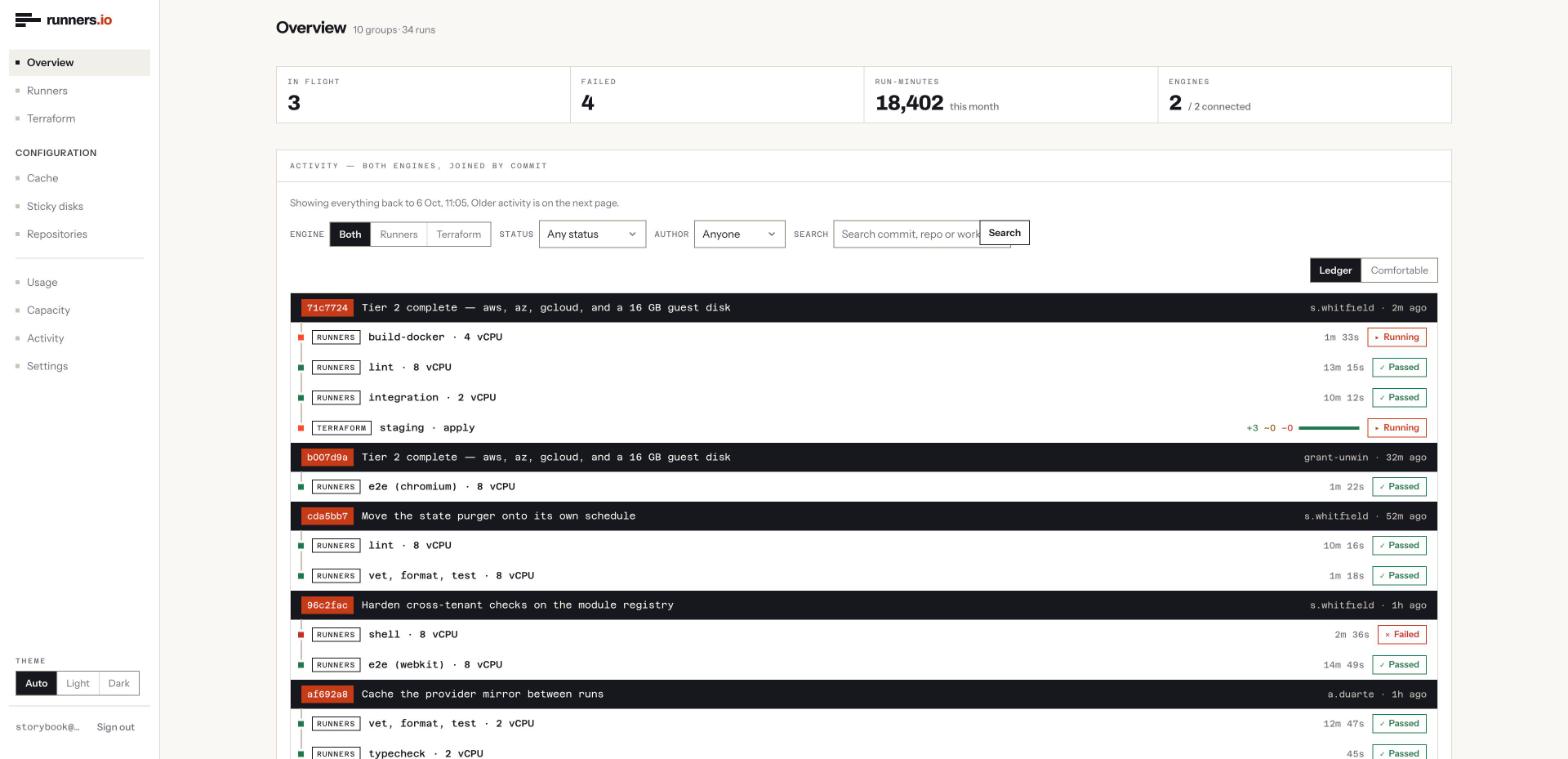
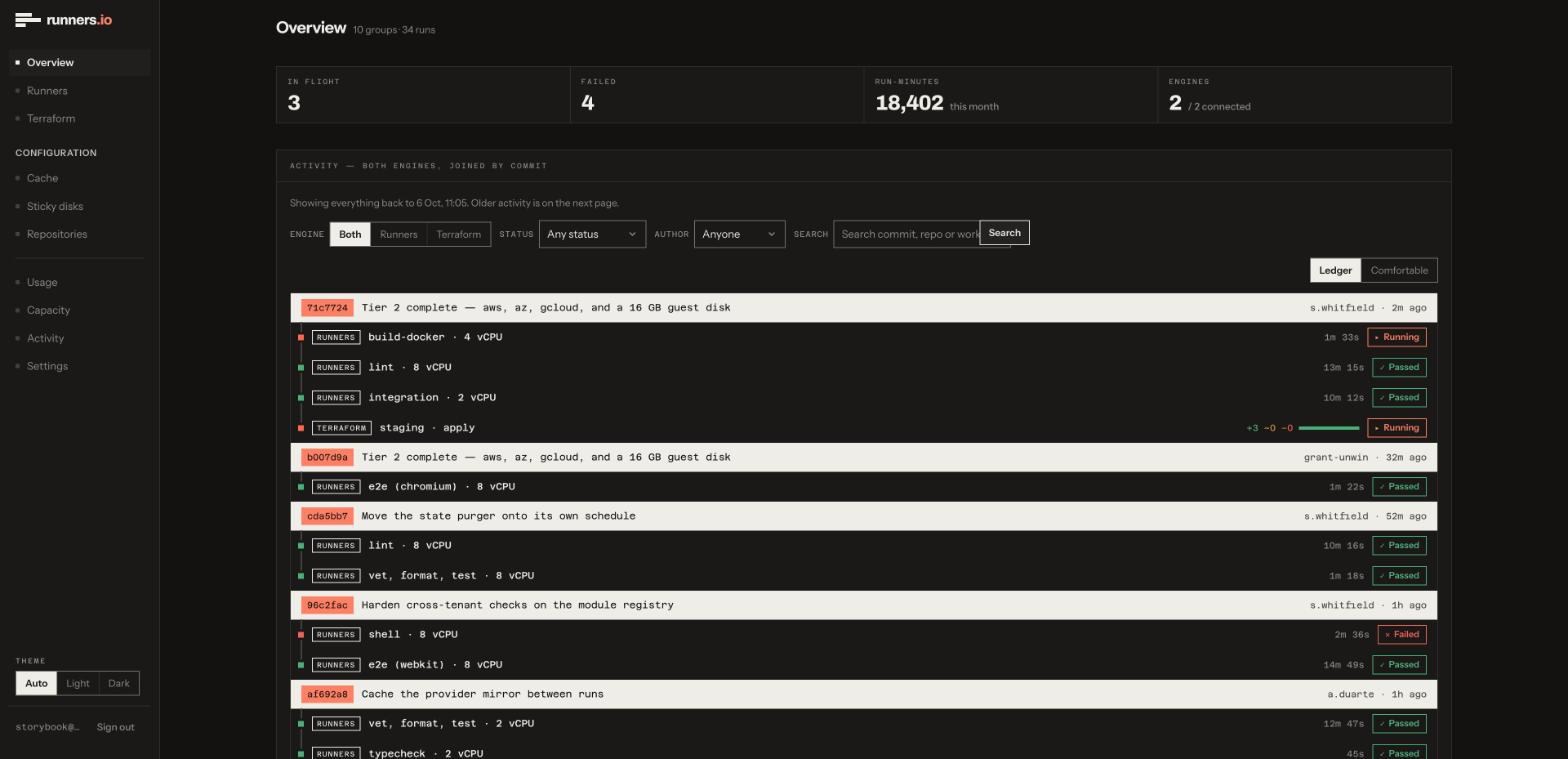
What the pull request changes, and what it leaves alone
The diff touches your runs-on lines and nothing else — not your actions, your secrets, your environments, your OIDC configuration, your matrix builds, your reusable workflows or your branch protection. Those are left exactly as they are, your job logs still appear in the GitHub UI, and actions/cache works unmodified.
Your other builds stay where they are until you merge. The pull request is a draft you can close, and reverting a merged one is the same button any other pull request has — because we changed a runner label, not your pipeline.
Prefer to drive it yourself? A self-service path — a prompt you hand your own agent to make the same change — is coming; today we open the pull request for you.
The ones worth asking first
What does the migration pull request actually change?
Only your runs-on lines, to our runner labels. Your actions, secrets, environments, OIDC configuration, matrix builds, reusable workflows, status checks and branch protection are untouched, and your job logs still appear in the GitHub UI. actions/cache works unmodified.
Does anything run on your machines before I merge?
Yes, and that is the point. GitHub runs a pull request's own workflows from the pull request, so the checks on the migration PR execute on our runners. You watch them pass on the hardware you are evaluating, and only then decide whether to merge.
What if the checks fail on your runners?
Then you have your answer before anything has changed, and you close the draft. Your existing builds never stopped running where they were, so a failed trial costs you a closed pull request and nothing else.
Can I undo it after merging?
Reverting is the same button any other pull request has. We change runner labels, not your pipeline, so a revert puts runs-on: ubuntu-latest back and nothing else has to move with it.
Do I have to migrate every repository at once?
No. The pull request is per repository: you move one, see it work, and bring the rest over when you are ready. Your other repositories keep running exactly where they are in the meantime.
What about Terraform?
The same shape. We point the cloud block's hostname at tf.runners.io in main.tf, open it as a pull request, and the plan runs on our runners against the Terraform Cloud API your tooling already speaks — one meter and one bill with the CI side.